

How to Check ITR Status Online: A Complete Step-by-Step Guide
Filing an Income Tax Return (ITR) is important for individuals earning taxable income in India. If your annual income exceeds the basic exemption limit, you are required to file your ITR within the given deadline. For individuals not covered under tax audit, the due date is usually fixed every year, and it is important to file on time to avoid penalties.
Filing your ITR offers several benefits, including claiming a tax refund. A tax refund is the extra amount returned to you if you have paid more tax during the financial year than your actual tax liability.
After filing your ITR, the process does not end there. Your return goes through different stages such as submission, verification, and processing. To make sure your return has been successfully submitted and accepted for processing, it is important to check your ITR status online. This helps you stay updated on the progress of your return and refund, if applicable.
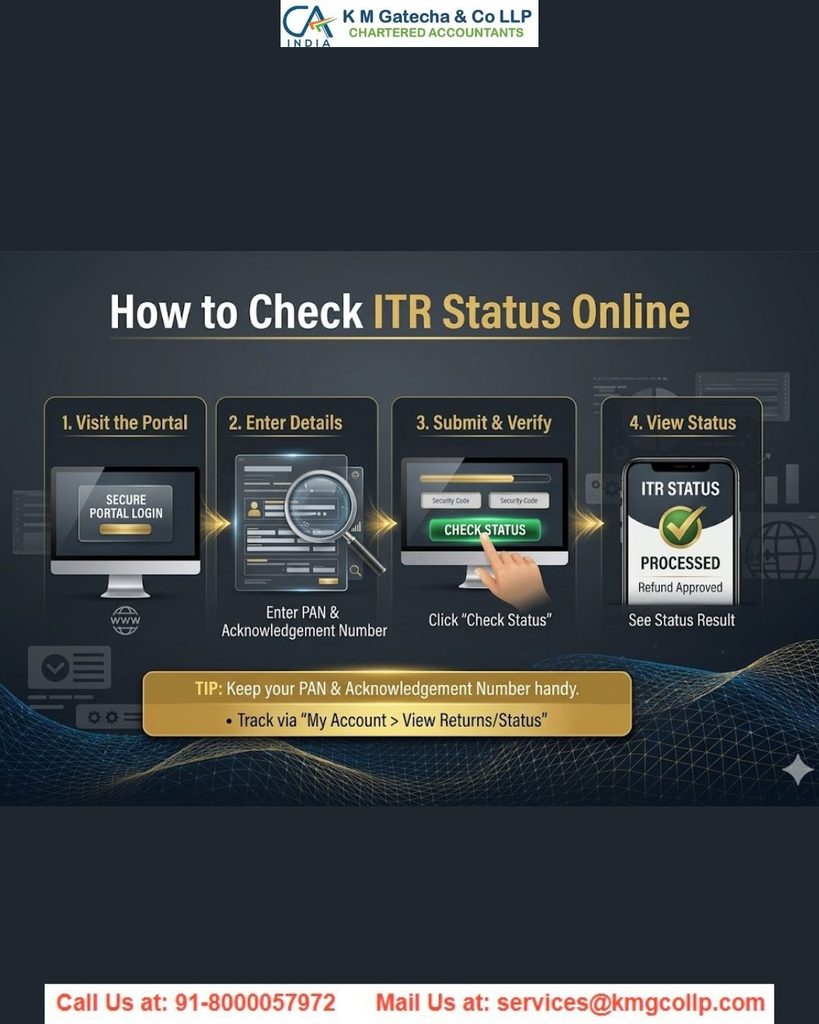
Different Types of ITR Statuses Explained in Simple Words
1. Submitted and Pending for Verification
This status means you have filed your Income Tax Return, but it is not yet verified. You may still need to complete the verification process or send the required confirmation. Until verification is completed, your return will not be processed.
2. Successfully Verified
This status shows that your ITR has been filed and verified successfully. However, the tax department has not processed your return yet. You only need to wait for further updates.
3. Processed
This status means your Income Tax Return has been checked and processed successfully. If any tax refund is applicable, it will be processed accordingly.
4. Defective Return
This status appears when there is missing information, incorrect details, or mismatched data in your ITR. In such cases, you may receive a notice asking you to correct the errors within a given time. If no action is taken, your return may become invalid and may not be processed.
5. Case Transferred to Assessing Officer
This status means your return has been sent to the concerned tax officer for further review. The officer may contact you if additional information or documents are needed regarding your filed return.
How to Track Your ITR Filing Status?
The ITR status checking service is available to registered taxpayers and certain authorized individuals. You can check the status of returns filed using your PAN and monitor the progress of your Income Tax Return.
The following users can check ITR filing status:
- Taxpayers who have filed ITR using their PAN
- Authorized representatives or signatories who file returns on behalf of someone else
By using this service, you can:
- Check the current status of your filed Income Tax Return
- View and download important documents, such as the ITR acknowledgement receipt, filed return copy, and related notices or updates
- See returns pending for verification and complete the verification process if required
- Track updates related to return processing and refund status
Checking your ITR status regularly helps ensure that your return has been successfully filed, verified, and processed without any issues.
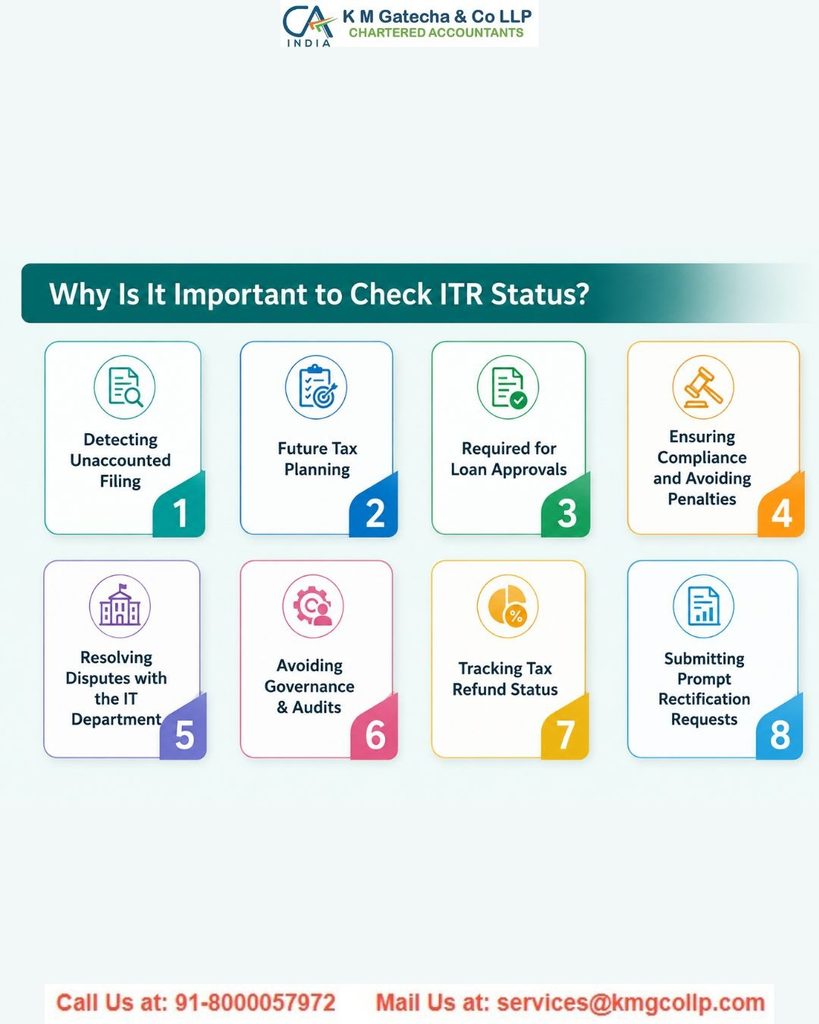
How to Check Your ITR Status Without Login?
Step 1: Visit the Income Tax filing portal homepage and open the option to check your ITR status.
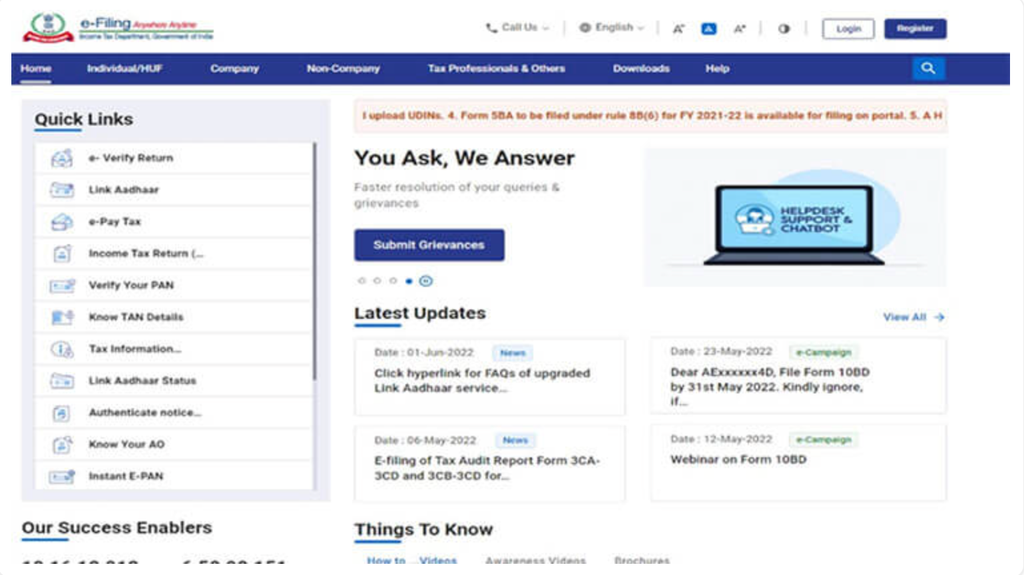
Step 2: Click on Income Tax Return (ITR) Status.
Step 3: Enter your acknowledgement number and mobile number, then click Continue.
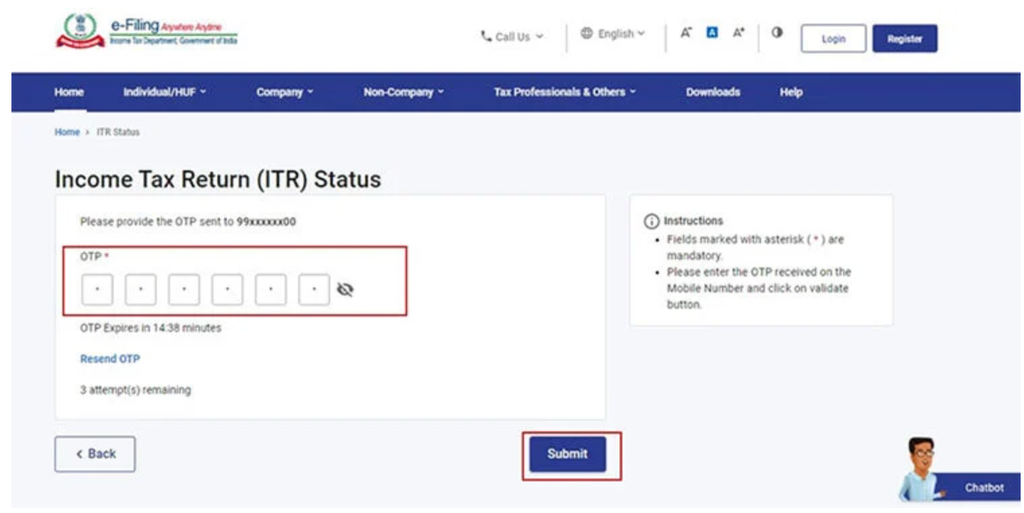
Step 4: Enter the 6-digit OTP sent to your mobile number and click Submit.
Important Points:
- OTP is valid for 15 minutes only
- You get 3 attempts to enter the correct OTP
- You can request a new OTP if needed by clicking Resend OTP
Where Can You Find Your ITR Acknowledgement Number?
You can find your ITR acknowledgement number in the ITR receipt sent to your registered email after filing your return.
You can also download it after logging in to the income tax portal:
e-File > Income Tax Returns > View Filed Returns > Download Receipt
You may also find the acknowledgement number in the View Filed Forms section after login.
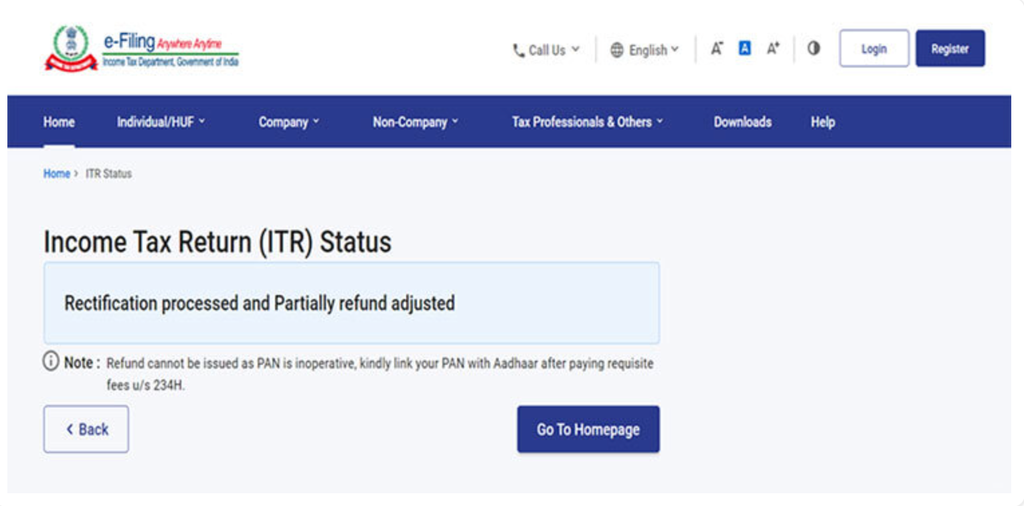
If your PAN is inactive, your tax refund cannot be processed. To activate it, link your PAN with Aadhaar after paying the applicable fee under Section 234H.
How to Check Your ITR Status After Login?
Step 1: Log in to the income tax portal using your User ID and password.
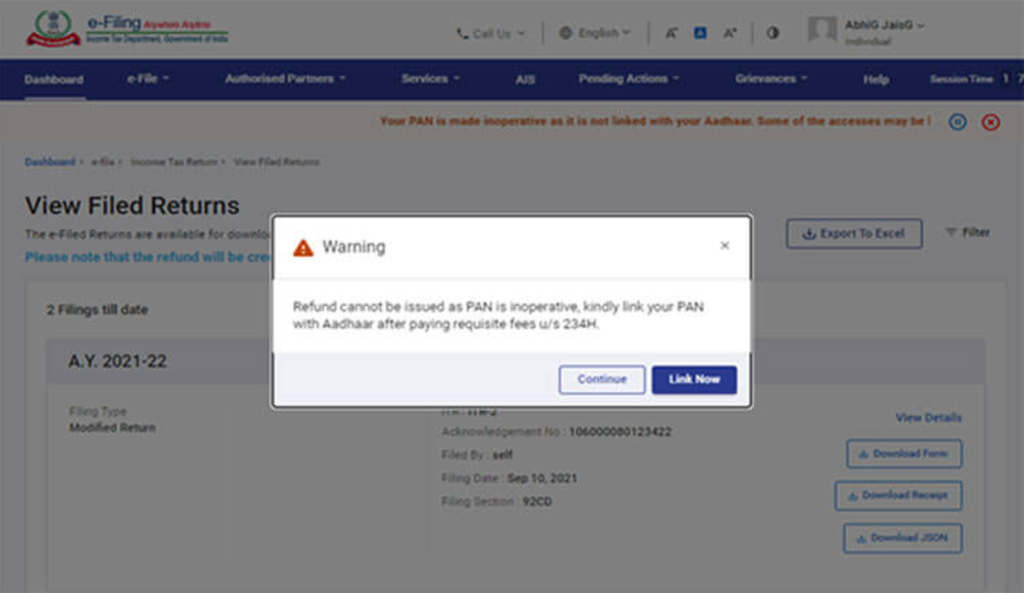
If your PAN is not linked with Aadhaar, you may see a message showing that your PAN is inactive. To activate it, click “Link Now” and complete the linking process. If you want to continue without linking, click “Continue”.
Step 2: Go to e-File > Income Tax Returns > View Filed Returns.
Step 3: You will see a list of all your filed returns. From here, you can check your ITR status and download important documents like the ITR acknowledgement receipt, filed return copy, and notices, if available.
Important Note:
If your PAN is inactive, a message may appear stating that your refund cannot be processed. You can click “Link Now” to link your PAN with Aadhaar or click “Continue” to proceed.
Additional Options While Checking ITR Status
- Filter: Use this option to view returns based on assessment year or filing type.
- Export to Excel: Download your ITR details in Excel format.
- View Details: Check the status history of your return and any pending actions, such as e-verification.
Common ITR Status Meanings
1. ITR Filed
Your return has been filed but not yet verified. You must verify it within the required time limit.
2. Pending for e-Verification
Your ITR is filed, but verification is still pending.
3. Successfully e-Verified
Your return has been successfully verified and is now ready for processing.
4. Under Processing
Your return is being checked by the tax department for accuracy, refund, or tax due.
5. Return Processed and Refund Paid
Good news! Your return has been processed, and the refund has been credited to your account.
6. Refund Processed and Sent
Your refund has been approved and sent for payment. It should reflect in your account soon.
7. Return Processed – No Refund, No Tax Due
Your return is processed, and there is no extra tax to pay or refund to receive.
8. Return Processed with Tax Demand
The department found unpaid tax or errors in your return. You may need to pay the balance amount or correct the return.
9. Refund Cheque Returned
Your refund cheque could not be delivered due to address issues or non-availability. You may need to request a refund reissue online.
Disclaimer: The content on this website is for informational purposes only and does not constitute legal, financial, or professional advice. Please consult qualified experts before acting on any information. K M GATECHA & CO LLP accepts no liability for errors, omissions, or outcomes from the use of this content. This site is not an advertisement or solicitation.

