How to Rectify ITR Mistakes: A Step-by-Step Guide
Filing an Income Tax Return (ITR) can sometimes feel overwhelming, especially when you need to report multiple income sources, claim deductions, and verify financial details. Even after careful preparation, mistakes such as incorrect personal information, missed deductions, or discrepancies in income reporting can occur.
The good news is that the Income Tax Department provides different ways to correct errors in a filed ITR. The appropriate method depends on the type of mistake, the assessment year, and whether the relevant filing deadline has passed.
In this guide, we explain common ITR filing mistakes and the steps you can take to correct them.
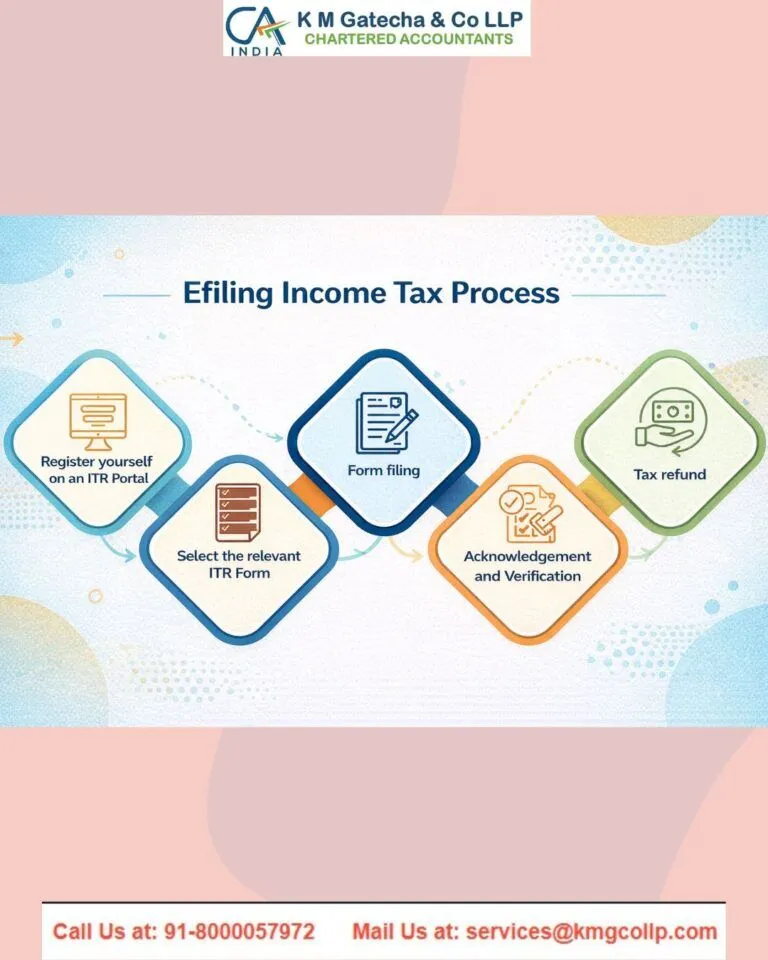
Common Mistakes in ITR Filing
Filing an accurate Income Tax Return is essential for meeting tax obligations and avoiding unnecessary complications. Errors or omissions may result in additional tax demands, delayed refunds, or notices from the Income Tax Department.
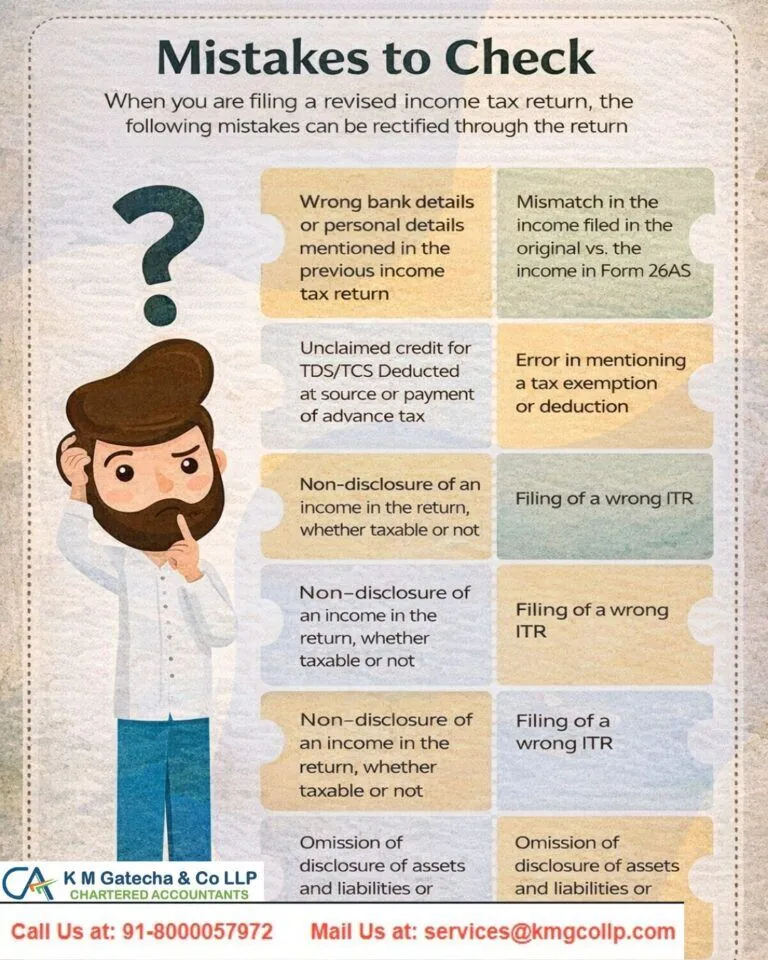
Some common mistakes include:
- Selecting the wrong ITR form: Choosing a form that does not match your income sources or taxpayer category.
- Incorrect personal information: Entering an incorrect PAN, address, bank account number, or other personal details.
- Omitting income sources: Failing to report income from investments, rental properties, freelance work, or other sources.
- Underreporting interest income: Missing interest earned from savings accounts, fixed deposits, or other investments.
- Incorrect salary reporting: Failing to include salary income from all employers during the financial year.
- Mismatches in tax records: Differences between the information reported in the ITR and details available in Form 16, Form 26AS, or the Annual Information Statement (AIS).
- Missing tax credits: Not claiming eligible tax deducted at source (TDS) or advance tax credits.
- Failing to disclose exempt income: Omitting exempt income where disclosure is required.
- Incorrect deductions or exemptions: Claiming ineligible deductions or overlooking deductions for which you qualify.
- Incorrect TDS reporting: Reporting tax deducted at source inaccurately or failing to reconcile the available tax credit.
- Non-disclosure of foreign assets or income: Failing to report overseas income or foreign assets when disclosure is required.
- Omitting directorship details: Failing to provide required information about company directorships.
- Not reporting unlisted equity shares: Omitting details of unlisted equity shareholdings where the applicable ITR requires disclosure.
Reviewing your tax documents and financial records before filing can help prevent these errors.
How to Correct Mistakes in ITR Filing
The correction method depends on the nature of the error and the time available to make changes. The main options include filing a revised return, submitting a rectification request, or filing an updated return where permitted.
1. Filing a Revised Income Tax Return
A revised return allows taxpayers to correct omissions or incorrect statements in an ITR already filed. It may be used to update income details, deductions, tax credits, or other information reported in the original return.
For example, if you discover that you forgot to report interest income or missed an eligible deduction, you may be able to correct the information by filing a revised return within the applicable time limit.
What Is the Time Limit for Filing a Revised ITR?
Under Section 139(5) of the Income Tax Act, 1961, the general revised-return deadline for assessment years up to AY 2025–26 was three months before the end of the relevant assessment year, or completion of the assessment, whichever occurred earlier. Certain deadline extensions may have applied to specific years.
For AY 2026–27, the revised-return deadline has been extended to the end of the relevant assessment year, subject to the applicable provisions and assessment status. An additional fee may apply to revised returns filed after December 31, 2026, and by March 31, 2027, under the applicable rules. Check the official portal for the rules relevant to your assessment year.
Important: The deadline for revising a return depends on the assessment year. If the deadline has already passed, you may need to consider another permitted remedy, depending on the error.
Step-by-Step Instructions for Filing a Revised ITR
Follow these steps to submit a revised return through the Income Tax Department’s e-filing portal:
- Visit the official portal: Open the Income Tax Department e-Filing website.
- Log in to your account: Enter your user ID and password to access your account.
- Open the income tax return filing section: Navigate to the relevant e-File or Income Tax Return option. The available menu labels may vary depending on the portal interface.
- Select the assessment year: Choose the assessment year for which you need to correct the return.
- Choose the appropriate filing option: Select the revised-return option, if available for that assessment year and filing status.
- Select the applicable ITR form: Use the correct form for your income sources and taxpayer category. If the original form was incorrect, select the appropriate form where the portal and applicable rules permit a change.
- Correct the relevant information: Review the original return and update the incorrect or missing details. Check your income, deductions, tax payments, bank information, and other applicable disclosures.
- Review and submit the return: Verify the calculations and supporting information before submitting the revised ITR.
- Complete e-verification: E-verify the revised return within 30 days of filing, or submit the prescribed verification document within the applicable deadline. Failure to verify within the stipulated period may result in the return being treated as invalid.
After submission, save the acknowledgement and check the filing status on the portal.
2. Filing a Rectification Request
A rectification request is generally used to correct a mistake apparent from the record in an order or intimation issued by the Income Tax Department, such as an incorrect tax calculation or a tax credit that was not properly considered.
It is not a substitute for a revised return when you need to change or add substantive information to your original filing. The eligibility and procedure depend on the type of order and the applicable provisions.
To proceed, log in to the official e-filing portal and look for the rectification option under the relevant services. Review the order or intimation carefully before submitting your request.
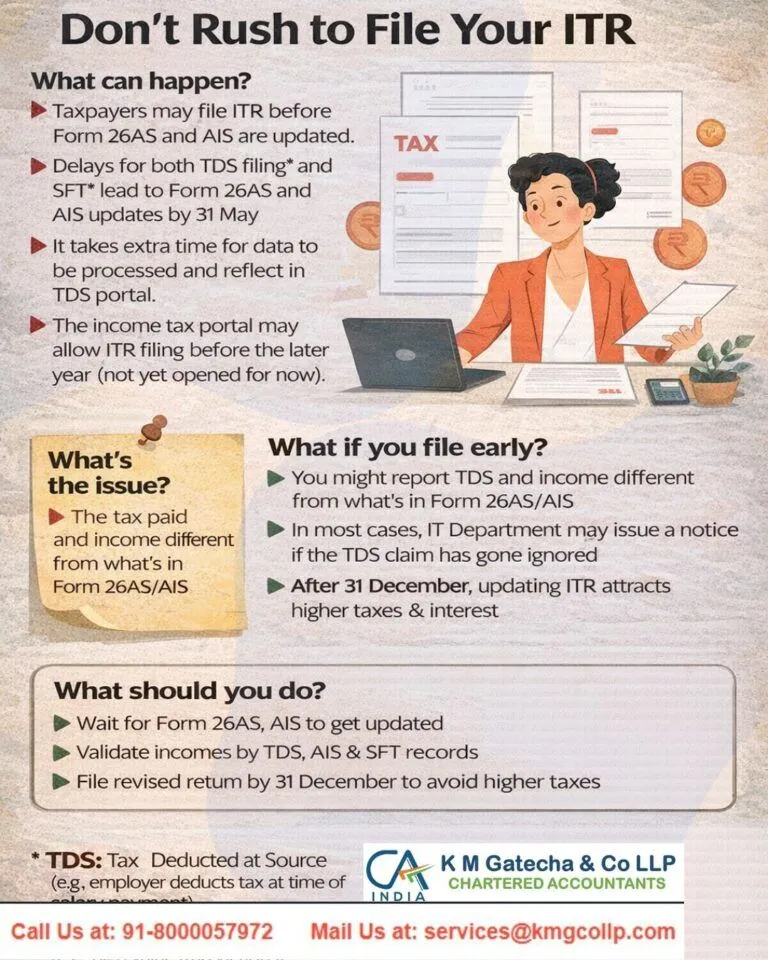
3. Filing an Updated Return (ITR-U)
If the deadline for filing a revised return has passed, an updated return may be an option in certain circumstances. Under Section 139(8A) of the Income Tax Act, 1961, an eligible taxpayer may file an updated return within the prescribed period, subject to applicable conditions.
An updated return is generally intended to report additional income or correct omissions that increase the tax payable. It cannot ordinarily be used to report a loss, reduce the tax liability determined from an earlier return, or claim an additional or increased refund. Additional tax may also be payable.
Check the eligibility conditions and filing deadline before choosing this option. If the correction would reduce your tax liability or increase your refund, seek professional advice about the appropriate remedy.
2. Filing an Income Tax Rectification Request
Unlike a revised return, a rectification request is generally used to correct a mistake apparent from the record in an intimation or order issued by the Income Tax Department, often during processing by the Centralized Processing Centre (CPC).
A rectification request is generally available after the relevant return has been processed and an eligible intimation or order has been issued. It should not be used to introduce new income information or make substantive changes that require a revised or updated return.
When Should You File a Rectification Request?
A rectification request may be appropriate when the CPC’s processing contains an apparent error, such as an incorrect tax calculation or a mismatch involving tax credits already supported by the records. The correction must fall within the scope of the rectification procedure available for the relevant order.
If the correction requires changing reported income, claiming a deduction that was omitted from the original return, or making another substantive change, a different remedy may be necessary.
Step-by-Step Instructions for Filing a Rectification Request
Follow these steps to submit a rectification request through the Income Tax Department’s e-filing portal:
- Log in to the portal: Visit the Income Tax Department e-Filing website and sign in using your credentials.
- Open the rectification service: Navigate to the relevant services or rectification section. Menu names may vary depending on the portal interface.
- Start a new request: Select the option to create a new rectification request.
- Choose the relevant order and assessment year: Select the appropriate order or intimation and the assessment year for which rectification is required.
- Select the appropriate rectification option: Depending on the order and the options available, you may be able to choose from the following methods:
- Reprocess the Return: Use this option when the return needs to be processed again based on the information already available in the system.
- Tax Credit Mismatch Correction: Where available, use this option to address eligible discrepancies in tax credits, such as TDS details, subject to the information and correction options permitted by the portal.
- Return Data Correction: Where supported, this option allows eligible corrections to return data through the prescribed online process or by uploading the required rectification file. The available fields and procedure depend on the applicable filing utility and assessment year.
- Review the information: Check the proposed correction carefully and ensure that it relates to an error eligible for rectification.
- Submit and verify, if required: Submit the request and complete any verification steps specified by the portal. Save the acknowledgement for future reference.
Important Limitations of a Rectification Request
A rectification request is not a general-purpose method for changing an ITR. Depending on the issue, it may not be appropriate for:
- Claiming additional deductions that were omitted from the original return.
- Claiming losses that were not reported in the original return.
- Introducing new tax credit claims or missed tax payments that require a different correction procedure.
- Claiming an additional refund where the matter requires a revised return, updated return, appeal, or another prescribed remedy.
The correct approach depends on the nature of the error, the processing status, and the relevant legal provisions. Check the portal’s current instructions or consult a tax professional before filing.
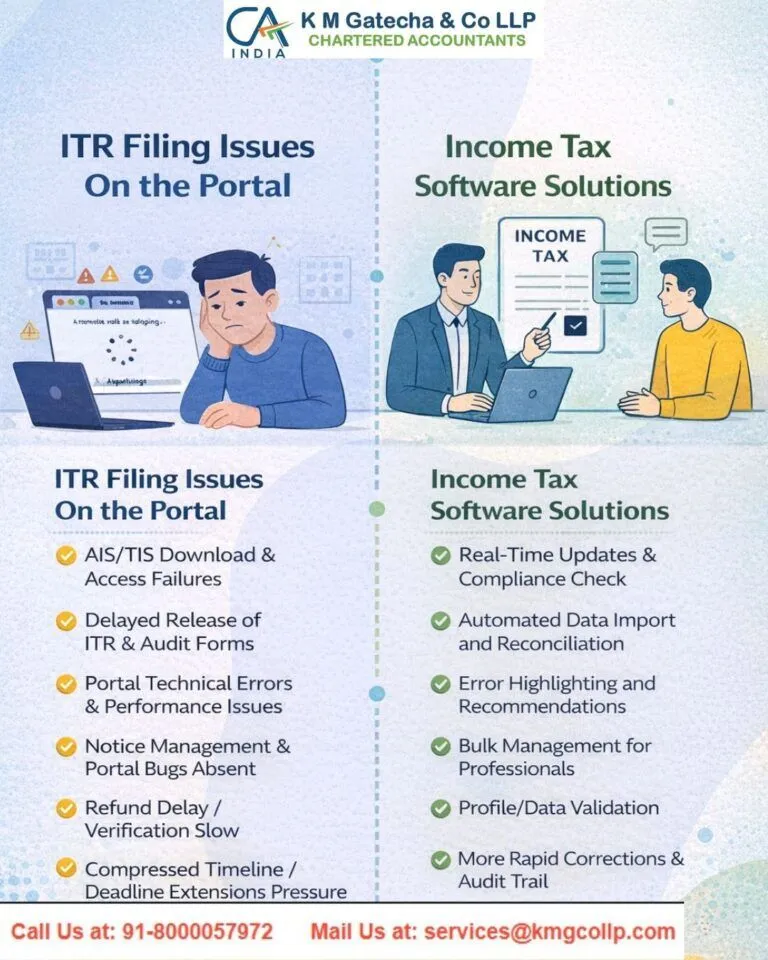
Seeking Help from Tax Professionals
Correcting an ITR can be complicated when the error affects taxable income, deductions, tax credits, refunds, or compliance requirements. Choosing the wrong correction method may delay the resolution or result in further complications.
At KMG CO LLP, our team helps taxpayers review filing errors, understand the available correction options, and navigate the process of filing revised returns or rectification requests where appropriate. We focus on accurate documentation, compliance with applicable tax laws, and practical guidance tailored to each taxpayer’s circumstances.
Professional assistance can help you identify the appropriate remedy, reduce avoidable errors, and address tax-related issues with greater confidence.
Disclaimer: The content on this website is for informational purposes only and does not constitute legal, financial, or professional advice. Please consult qualified experts before acting on any information. K M GATECHA & CO LLP accepts no liability for errors, omissions, or outcomes from the use of this content. This site is not an advertisement or solicitation.